The mouse did not survive interrogation.
Also mouse not pictured.
I lost a raspberry pi for a couple months. Just couldn’t find the darn thing. It was working fine serving away.
Turns out it was in the basement. I forgot I moved it to be closer to my tilt Hydrometer.
Oh, good thing you wrote this. I’m about to give one of my printers away and there’s still a pi inside
Cups?
OctoPrint (3d printer)
To be fair, those things are really tiny!
For a while, the windows machine I was using kept randomly becoming unresponsive (both via network, as well as the keyboard+mouse) and I just could not figure out why. Everytime it did, I’d have to force a shutdown by holding the power button until it shutoff, then press it again to start back up. Sometimes this happened while I wasn’t home, so it had to just stay offline until I was.
I got sick of having to do this; so I replaced the power button with a transistor and a RPI. The PI would ping the server every 5min; if it failed to get a response 3 times in a row, it would trigger the transistor for 10sec, release for 3sec, then press and release again; forcing a poweroff then starting the machine again. It’d also write these events to a log file. I think it was around twice a week ish.
Never did figure out what the cause of the lockup was; but it stopped when I replaced windows with Debian.
Never did figure out what the cause of the lockup was
the mysteries of closed-source software
Using an RPi with a transistor almost seems professional… ITAPPMONROBOT
Yeah getting rid of windows solves many issues, LOL. I have always refused to run any server with windows, outside of being forced to at work. 😁
No mouse problem, but I’ve had to take measures to prevent cat-related downtime. Cats and power-button at the top is not a good combination.
They make sprung flip-top covers specifically for this reason. It’s just a little adhesive square/circle that you stick over the power/reset button, and it has a flip-top that automatically springs closed again.
Instead of cat proofing, you were supposed to get a server room dog…
I have two server room dogs. An English pit, which is my seizure dog, and a Jack Russel. They shed, especially in the summer months, and the floor sweeper gets a daily work out, as well as keeping it out of equipment enclosures. It’s not that I hate cats, they are nice as a pet in your house, just not mine. LOL
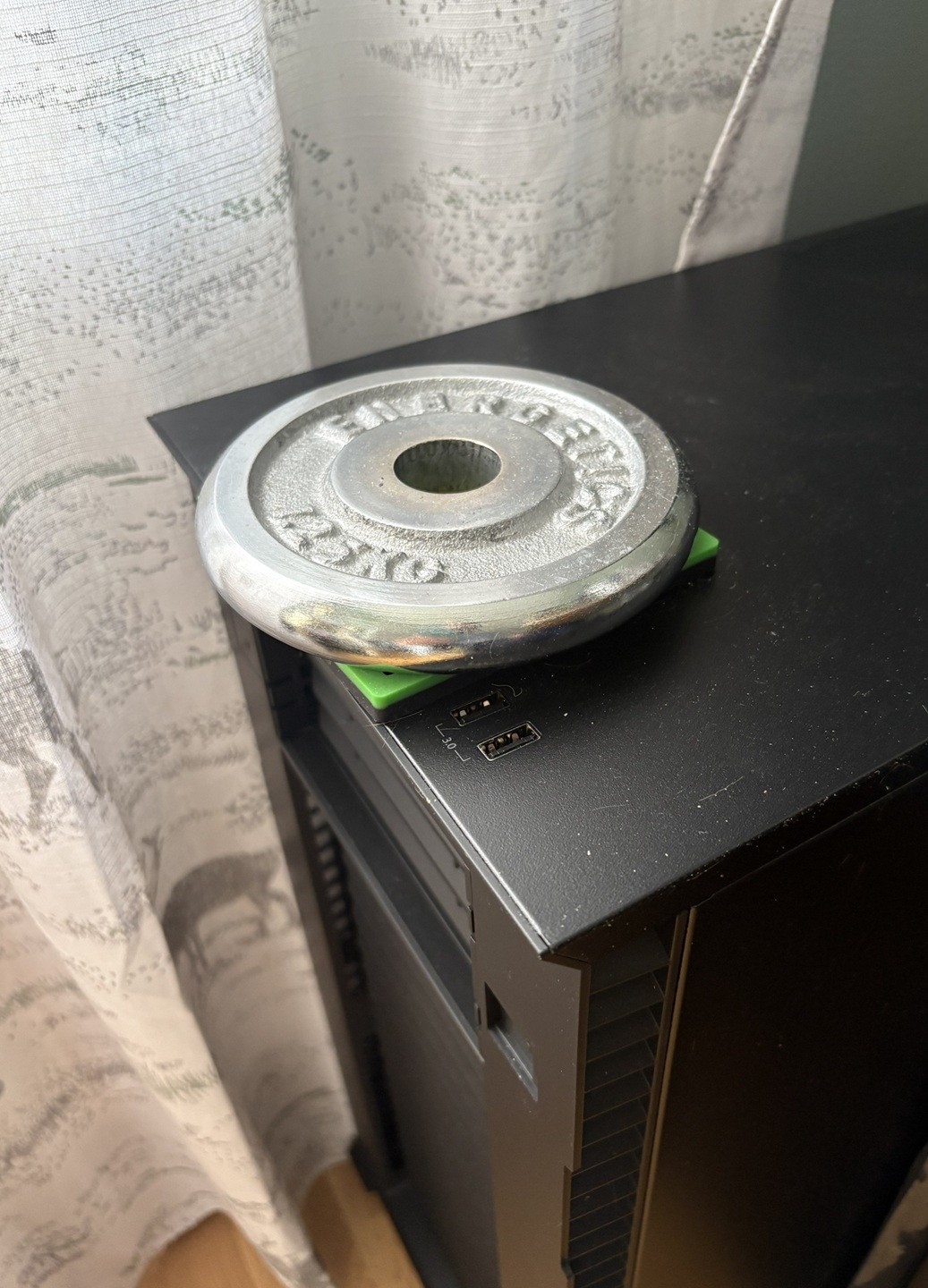
Oh, my housemates’ cat hits the front power button when he leaps off my tower. I’ve got some leather taped over it. My uptime approaches 1! I love your little weight setup, too!
Meowy Guard. https://en.wiktionary.org/wiki/molly-guard
Aha, I disabled the LEDs by unplugging them from the motherboard, you could do the same with the power sw plugs
When I had this problem I disconnected the power button on the motherboard.
Cant you just assign a different action to that power button instead of messing with it internally?
You can for a click, but no way for the long press, as that’s handled on a lower level
mouse not pictured
Got my hopes up for nothing!
It’s OK I gotchu

Fun fact - he’s called that because this same thing happened to him with a dead mouse in the pc case.
I stared at that picture like it was a Where’s Wally for like 10 minutes before I came to check the comments and saw this note in OP’s message…
We are cut of the same cloth.
One day, our internet just stopped working entirely. Our ISP was fine, router good, but no outside connection and I couldn’t access local devices. I have two Unraid servers. I took a quick glance at them, they were powered on, all looked ok. I decide to power cycle everything. Still no internet. Then I realize that I can still access Google from my phone when on WiFi… hmm. That would mean… an issue with pi-hole!
I begin to try to diagnose from my phone with a hotspot to my computer. I’m getting warmer but some things just aren’t making sense. I go back and stare at the server running pi-hole. Then it fucking hits me.
I have the pretty odd and totally not ideal home network. I have plans to upgrade everything but currently I have two wifi networks tied to the same WAN. One network is run off of access points so I can get Ethernet to odd areas of the property. The Unraid server hosting pi-hole was connected to an AP and the Ethernet cable I used didn’t have a clip, so it just barely unseated itself from it, breaking the connection. The router+pi-hole config meant also breaking the internet if anything happened to pi-hole or that server. I swapped it for a better cable and it all instantly started working.
Spent that weekend sorting out the network so it doesn’t happen again. It was definitely a head-scratcher.
Pihole is cool, but fucked me over as well more than once (not the pihole itself but the host). It’s on its own hardware now, but I plan to add a second one to reduce the single point of failure.
Haven’t thought of that tbh. Would they both just share configuration? Curious how leasing would be split/shared between them. Off to research!
I’ve been running two piholes for a few years:
I let the router handle dhcp, while having it hand out each of the piholes IPs as DNS #1 and DNS #2. Those piholes settings are mirrored using Nebula-Sync, so any change made to one pihole gets copied over to the other automatically.
Both of those piholes are setup to wrap outbound DNS reqests in DOH as well, with the router blocking port 53 outbound. So all DNS traffic leaving the network has to be DOH/DOT or it just gets dropped. Currently using NextDNS and quad9 as my upstream DOH providers.
Note: the cloudflared method for DOH is outdated. I’m still using it via the docker image “image: cloudflare/cloudflared:2025.11.1”
I believe This (dns-crypt) is the more recent method.
Oh sweet this is super helpful! Doesn’t seem too complicated. Thanks!
@Darkassassin07 Looks very useful. Also timely for me. I have a use case that requires multiple synched pi-holes. 👍🏼
There’s some sync mode but I haven’t really looked into it yet.
Makes sense.
I keep one Physical Pihole and one in a container, be sure yeah, this happens.
Then you tell people about it on IRC and become known as “the dead mouse guy”.
But the maximum nickname length on the IRC server is limited, so you settle for “deadmau5” as your nick.
Also mouse not pictures
I was frantically searching for it, then i opended the post to See if the comments found it …
I’m sorry. Have this picture of a lime hawk-moth caterpillar I saw the other day.
https://plantmonster.net/pictures/phone/PXL_20260813_122831209.jpg
Optical or roller ball?
I have a strong suspicion that the answer is mammilion
That sounds like a lot. Is it more than a bajillion, or less?
Many cells
You don’t need a mouse for a server. Just SSH into it, duh.
Now now don’t sshush the server, it’s doing the best it can, okay? It gets hot in that box…
Well, if it could think outside the box every once in a while, that would be great y’know.
Not exactly self-hosting, but I’ve worked at two different academic labs that had unique issues and small budgets.
The first was on top of a mountain at 3km elevation. The low air pressure meant that all hard drives had a lifespan of no more than a year before starting to have issues. This was in the pre-SSD days. The “solution” was to boot from a floppy, never compress data, and have a student return the drives to a low elevation and swap them for the prior ones every six months.
The second was at a place that was using old Datacube MaxVideo hardware that we would never have the budget to replace. It would crash if the room temperature got above about 18C, so we set the thermostat to 15C. Which doesn’t sound too bad until you’ve tried sitting at a desk for 8 hours where everything is 15C and the heat is just slowly leaving your body into the chair, the desk, and the keyboard. And then you walk outside where it is 32C and instantly start sweating because you’re still in several layers and fingerless gloves.
I had a screen get burn in (forgot to turn it off, oops) removed it from the laptop, waited 3 days, put it back in and it was flawless again.
I had a laptop that refused ethernet and would only ever use wifi… When the ethernet was connected. No wifi unless that cord was connected. Confirmed it was, indeed, wifi by using a dummy connector.
Bought a 10tb hdd that refused to read anything at all, opened it for giggles/curiosity and found a piece of scotch tape stuck to one of the disks and one of 4 disks completely shattered. The disk was still factory sealed (by appearance, anyways; they still had the antitamper stickers)
Back in the day of BBS’ my buddy had a wonky modem. If I picked up phone , pursed my lips and did a squeaky sound the modem worked and I could log into BBS.
I got a little fanless atom PC from work that was being tossed because it “didn’t work.” It did work you would just have to apply pressure to it before boot because the CPU must have been coming unsoldered. I just stuck it on the bottom of like 30 pounds of gear and never had a problem.
How on earth did you diagnose that one?
I’ve got Pfsense installed on a device with 6 RJ45 ports. 0 is wan, 1 is lan0, 2 is lan1, etc up to 4. Why I have multiple lans is somewhat tangential.
One day it rebooted due to a power outage and WAN worked but lan1 and 2 and 3+ were messed up. I’m still not entirely sure what happened, but the second physical Ethernet port was non responsive at boot and Pfsense just assigned the ports as if it never existed. I moved all the cables over one except LAN and it worked just fine. Except that of course in the troubleshooting i had moved all the assignments around and broke it thoroughly, so it took a while.
Not self hosted but at work: after an update to both our firewall cluster nodes they both acted wonky, restarted 5 min after booting, ssh connection wasn’t working half the time, dropped packages… the problem persisted through multiple reboots, support had no idea.
the fix was to pull the plug entirely, wait 10 seconds then power them on again. on both nodes we had this behavior and both worked again after losing power for a few seconds.
seems that even for business appliances “have you tried to turn it off and on again” is a viable solution.